

Lost in the Tool Box
What is the Portal?
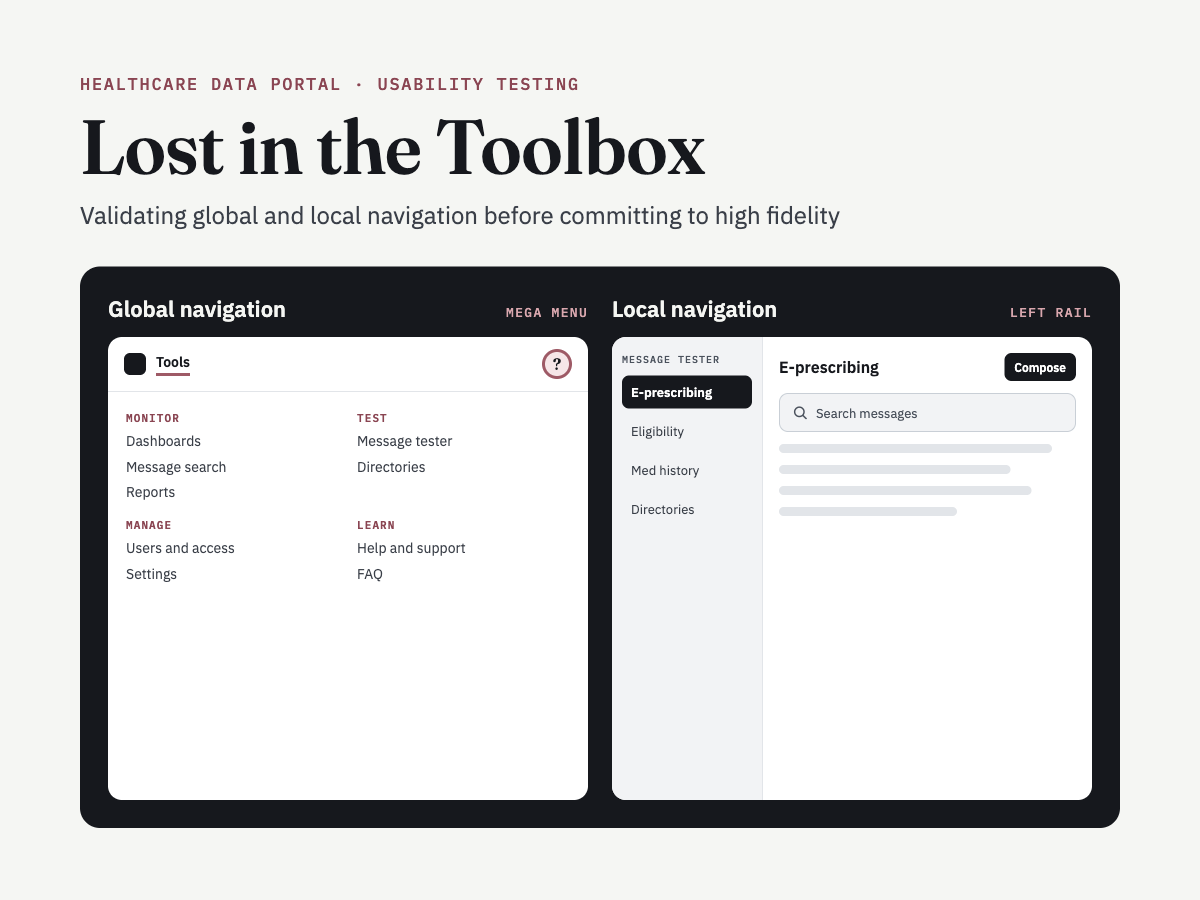
The portal is a web tool that healthcare organizations and internal support teams use to monitor, test and troubleshoot the prescription and eligibility messages they send across a health data network. It brings dashboards, message search, testing tools, directories and reports into one place. Our UX team was collaborating on its navigation, and I led a usability study to test the new structure before it moved into high-fidelity design.
The Problem
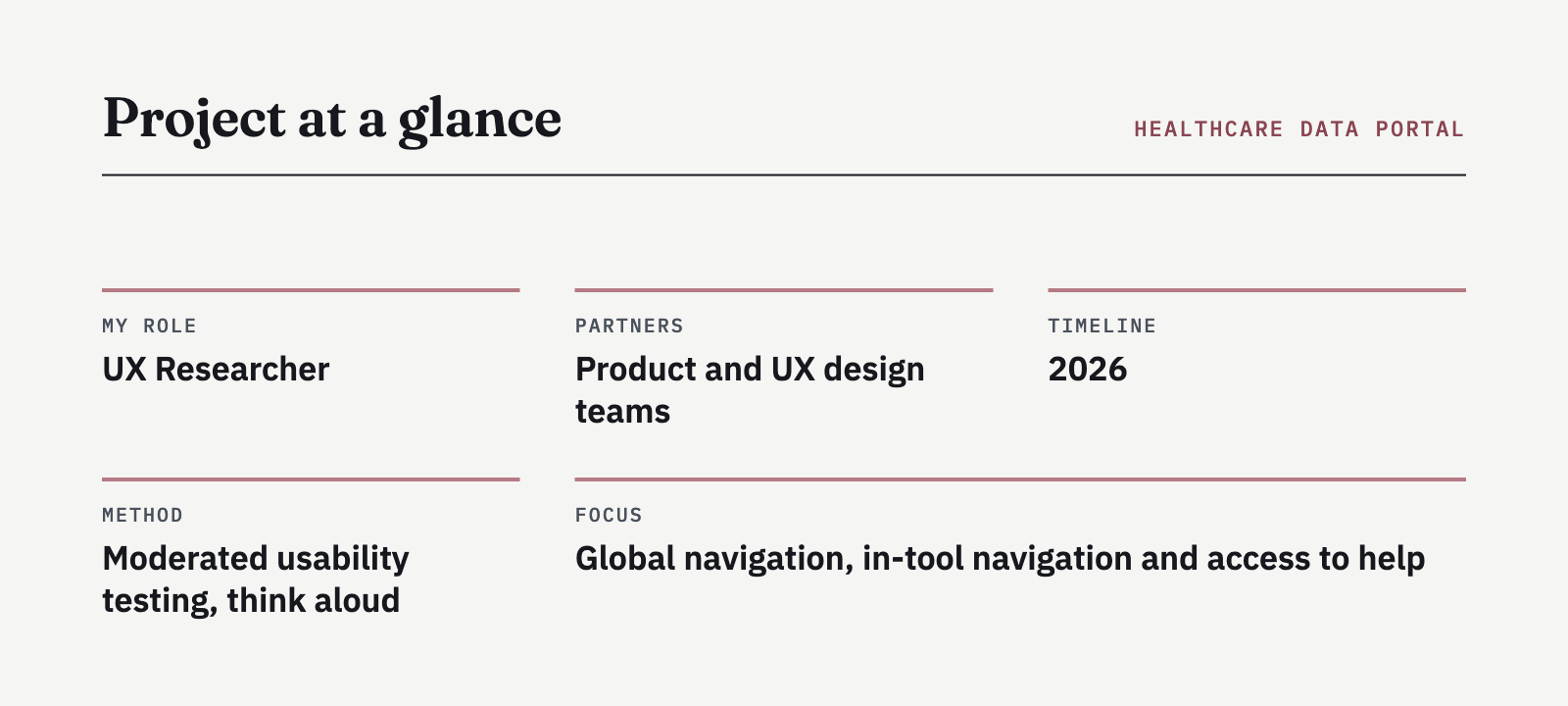
As the portal grew, its tools became harder to move between. Help was hard to find, and each tool handled navigation a little differently. The team had proposed a new mega menu for moving across the portal and new navigation patterns inside each tool, but it hadn’t been tested with the people who use it most.
The Question: Can people find their way across the portal and within each tool using the proposed navigation, and can they get help when they’re stuck?
Research
Research Objectives
See how people respond to the proposed local navigation designs.
Identify pain points and moments of delight in key product flows.
Gather early feedback on navigation before moving to higher fidelity.
Learn which proposed future features people value most.
How We Tested
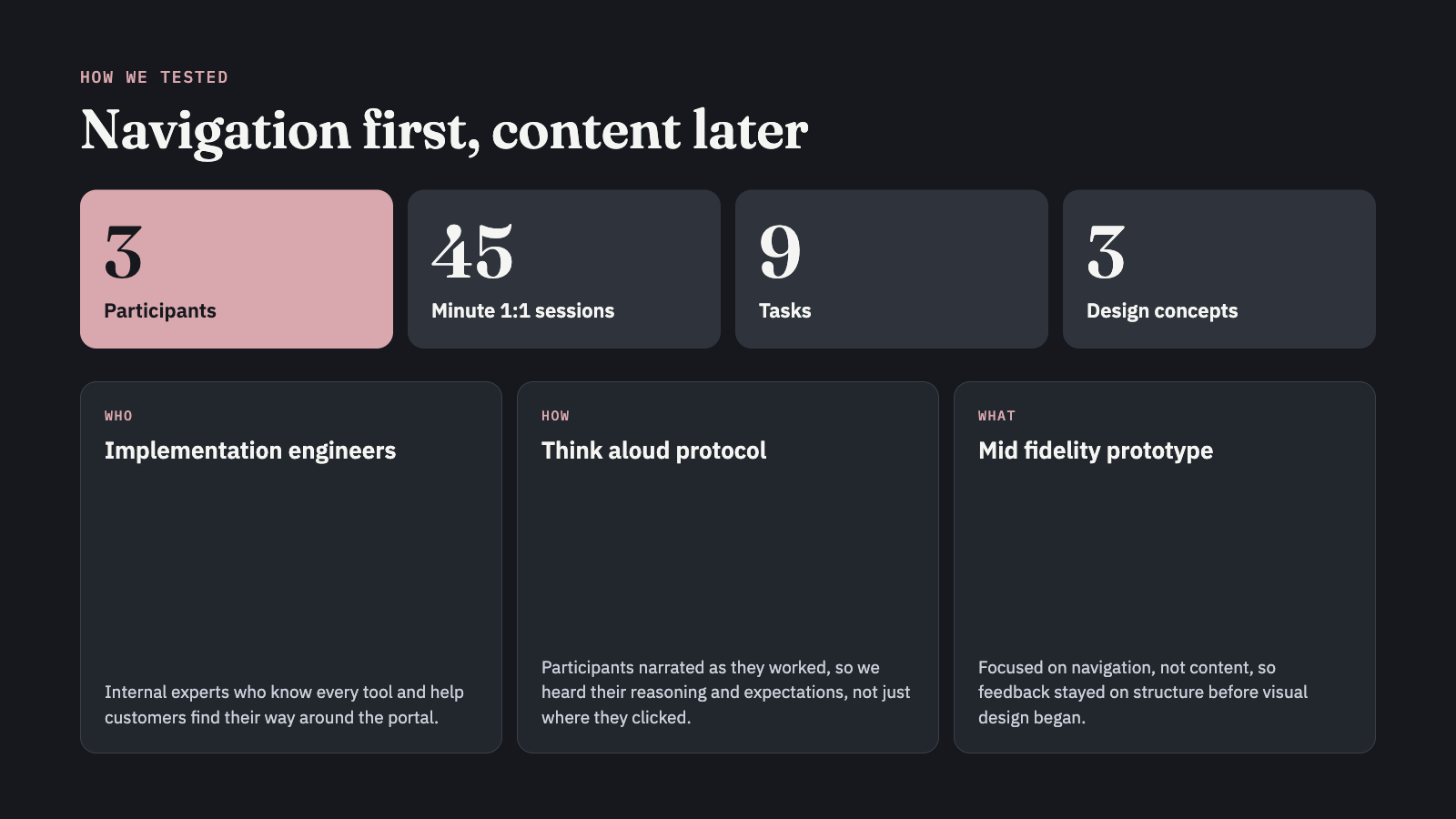
We ran three 45-minute, one-on-one sessions with internal implementation engineers. They know every tool in the portal and regularly help customers find their way. Participants thought aloud as they completed nine tasks across three design concepts in a mid-fidelity prototype. The prototype focused on navigation rather than content, so the feedback stayed on structure. At the end, they rated a set of proposed future features.
What We Found
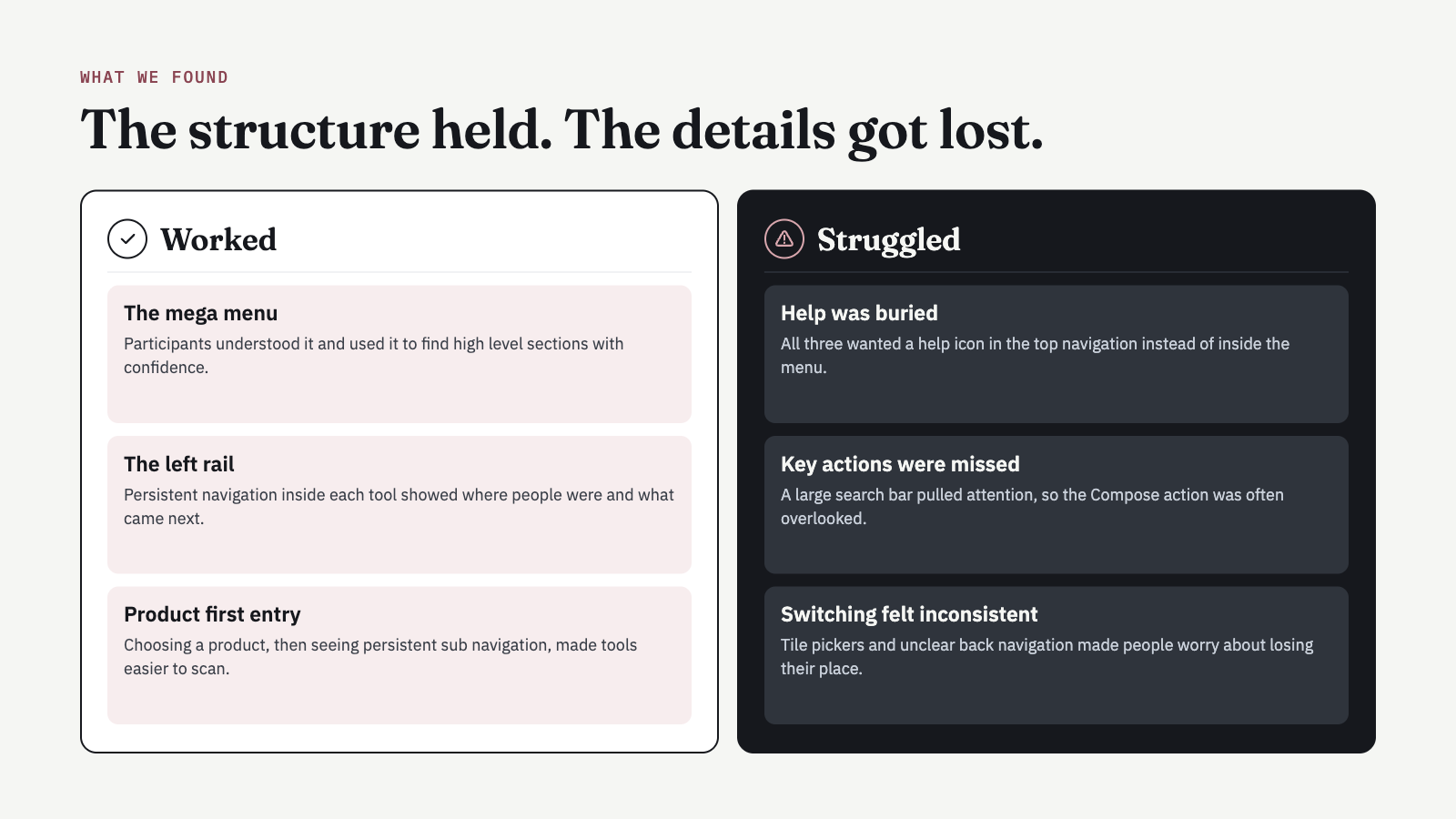
The new structure held up. Participants understood the mega menu and used it to find high level sections with confidence. Persistent navigation in a left rail helped them see where they were inside each tool. Picking a product first, then seeing persistent sub navigation, made tools easier to scan.
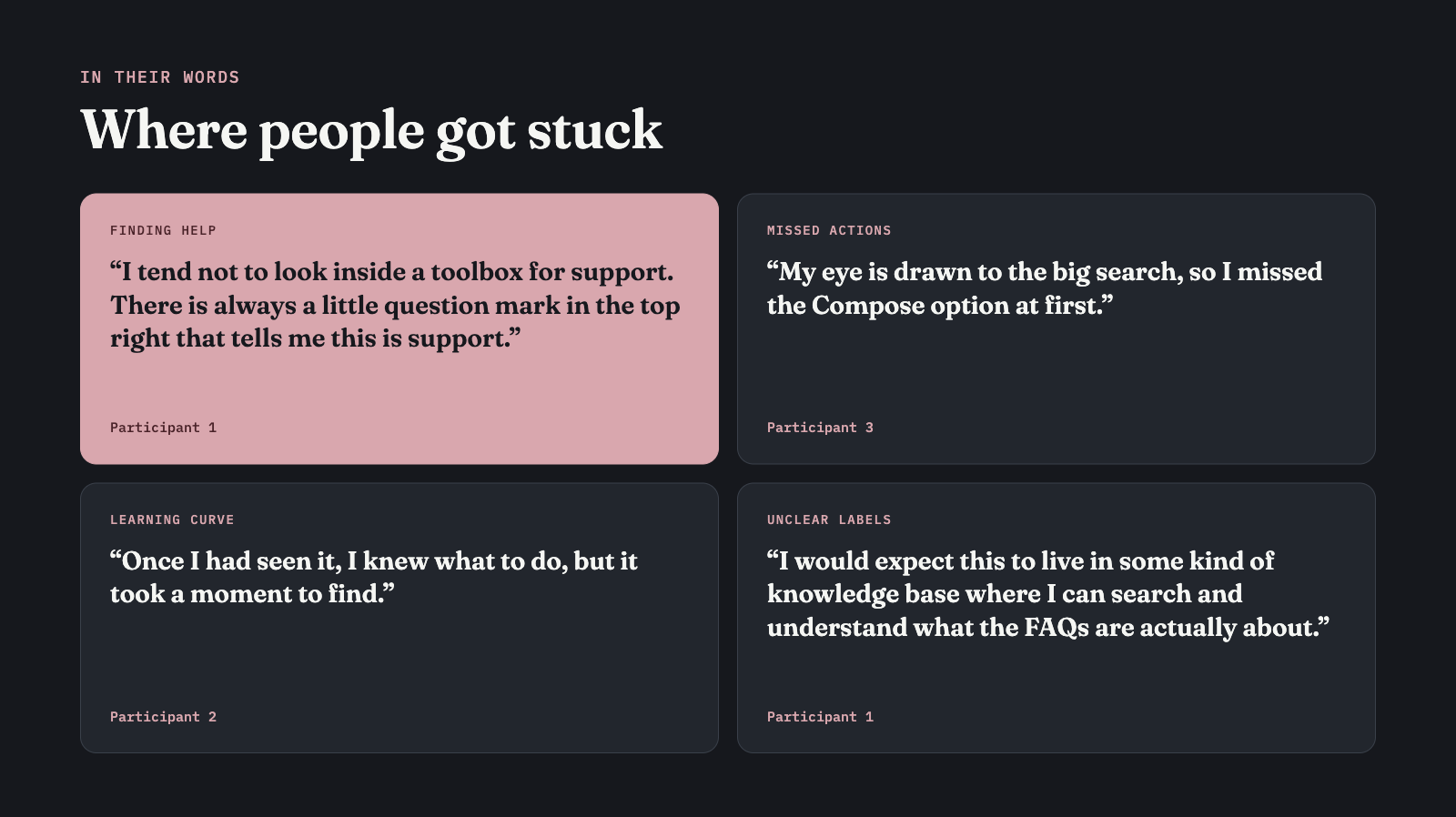
The details were where people got stuck:
Help was hard to find. All three participants wanted a help icon in the top navigation instead of inside the menu.
Key actions were missed. A large search bar drew attention, so the Compose action was often overlooked.
Switching felt inconsistent. Moving between dashboards and tools sometimes made people worry about losing their place.
In Their words
In Their Words
Future Feature Ratings
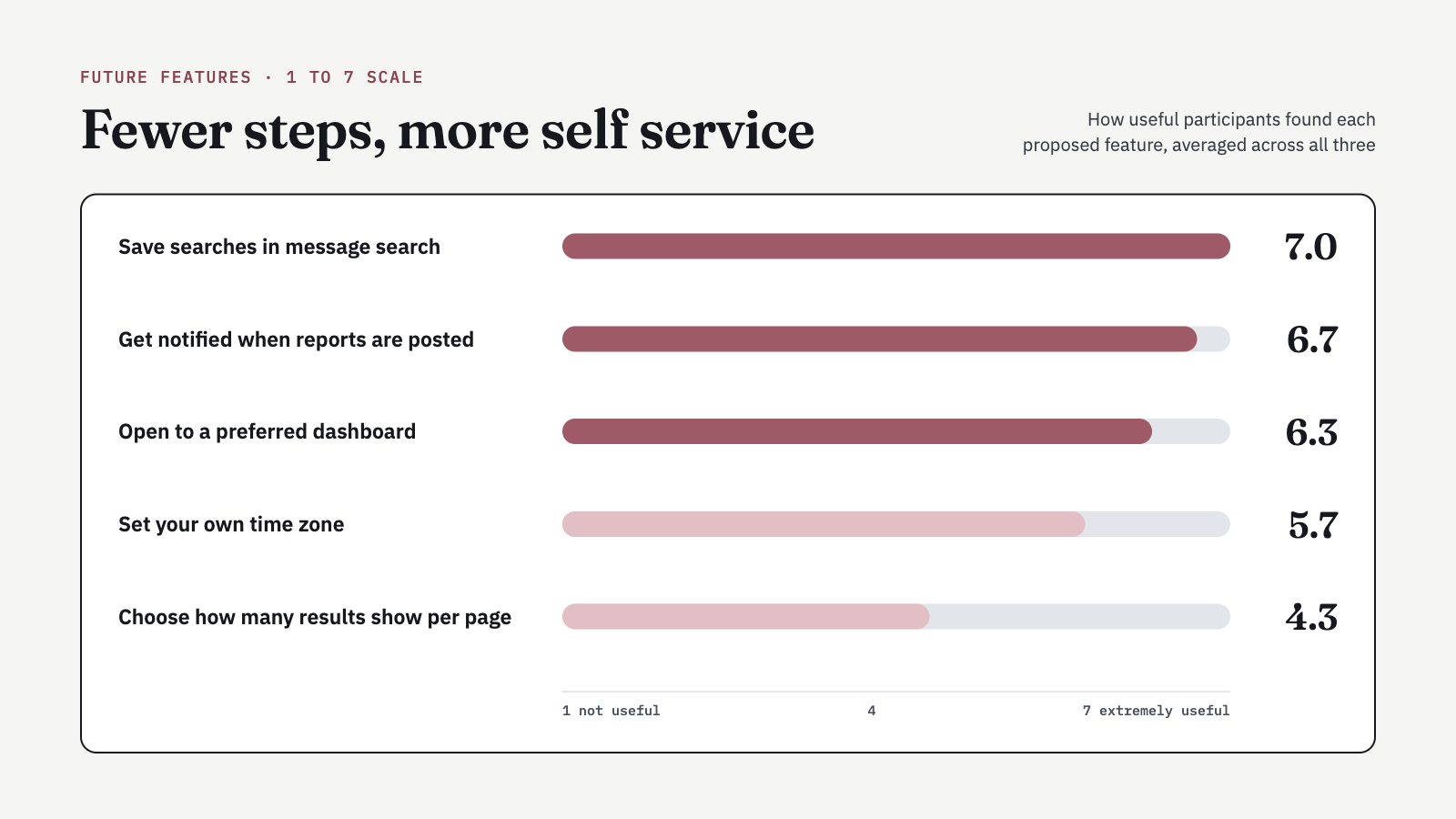
Participants rated proposed features on a 1 to 7 scale. The clear favorites all reduced steps or let people serve themselves:
Saved searches scored 7.0.
Notifications when reports are posted scored 6.7.
A preferred default dashboard scored 6.3.
Setting a personal time zone scored 5.7.
Choosing how many results show per page scored lowest, at 4.3.
Recommendations
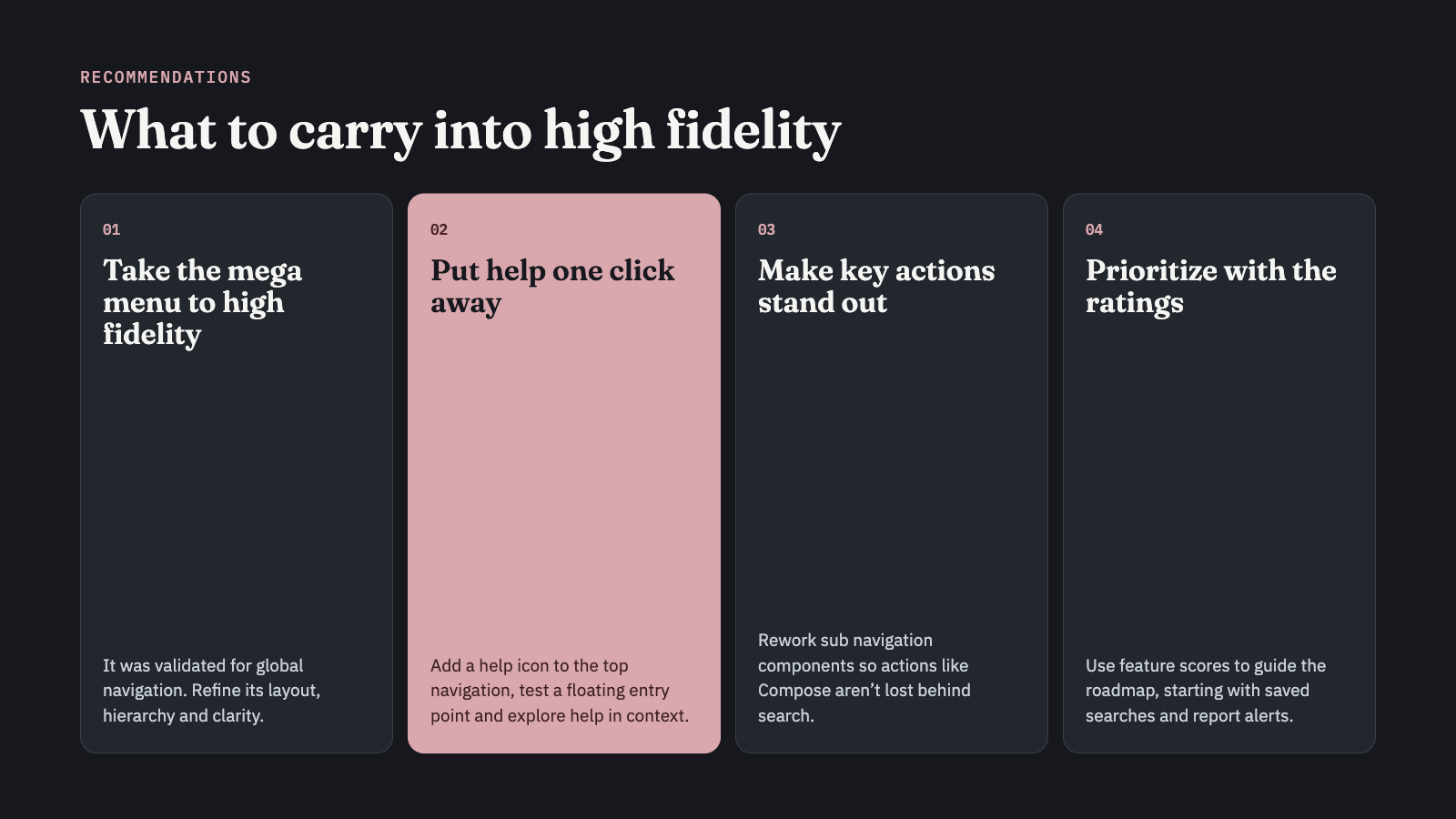
Take the mega menu to high fidelity and refine its layout and hierarchy.
Put help one click away from every page, and explore help in context.
Rework the sub navigation so key actions don’t get lost behind search.
Use the feature ratings to prioritize the roadmap.
Outcome
This research was shared with the product owner and toolbox stakeholders. due to budget concerns, no action was taken at the time of this research and the project was put on hold until 2027.
Reflection
Testing navigation before visual design paid off. Because the prototype was mid fidelity, participants focused on structure, and we confirmed that the core framework worked before the team invested in polish. The most useful findings came from small moments: one hidden icon, one button that lost out to a search bar. We tested with internal experts who know the portal well. If I ran this again, I’d add external customers, because if experts missed the Compose action, newer users likely would too.
Outstanding questions
External customers. Do customers who use the portal less often find their way as easily as internal experts did? If experts missed the Compose action, how much harder is it for someone new?
Role based navigation. Internal and external users wanted different things from dashboards. Should the portal adapt its navigation or default views by role?
The right help experience. A help icon in the top navigation solves findability, but what should people find when they click it? An FAQ, searchable help articles, contextual tips, or live support?
Help content scope. Participants weren’t sure what the FAQs covered. How should help content be organized and labeled so people know whether it answers their question before they open it?
Discoverability versus learning. Some discovery time is acceptable. How much is too much, and at what point does a pattern need redesigning instead of teaching?
Working across products. Two participants wanted to use more than one tester at once. How often do people need to work across products side by side, and what would cross product navigation look like?
Feature priorities at scale. The ratings came from three internal participants. Do saved searches and report notifications still rise to the top when a wider group of customers rates them?

GCI- Yukon TV

BootUp

Code Championship