

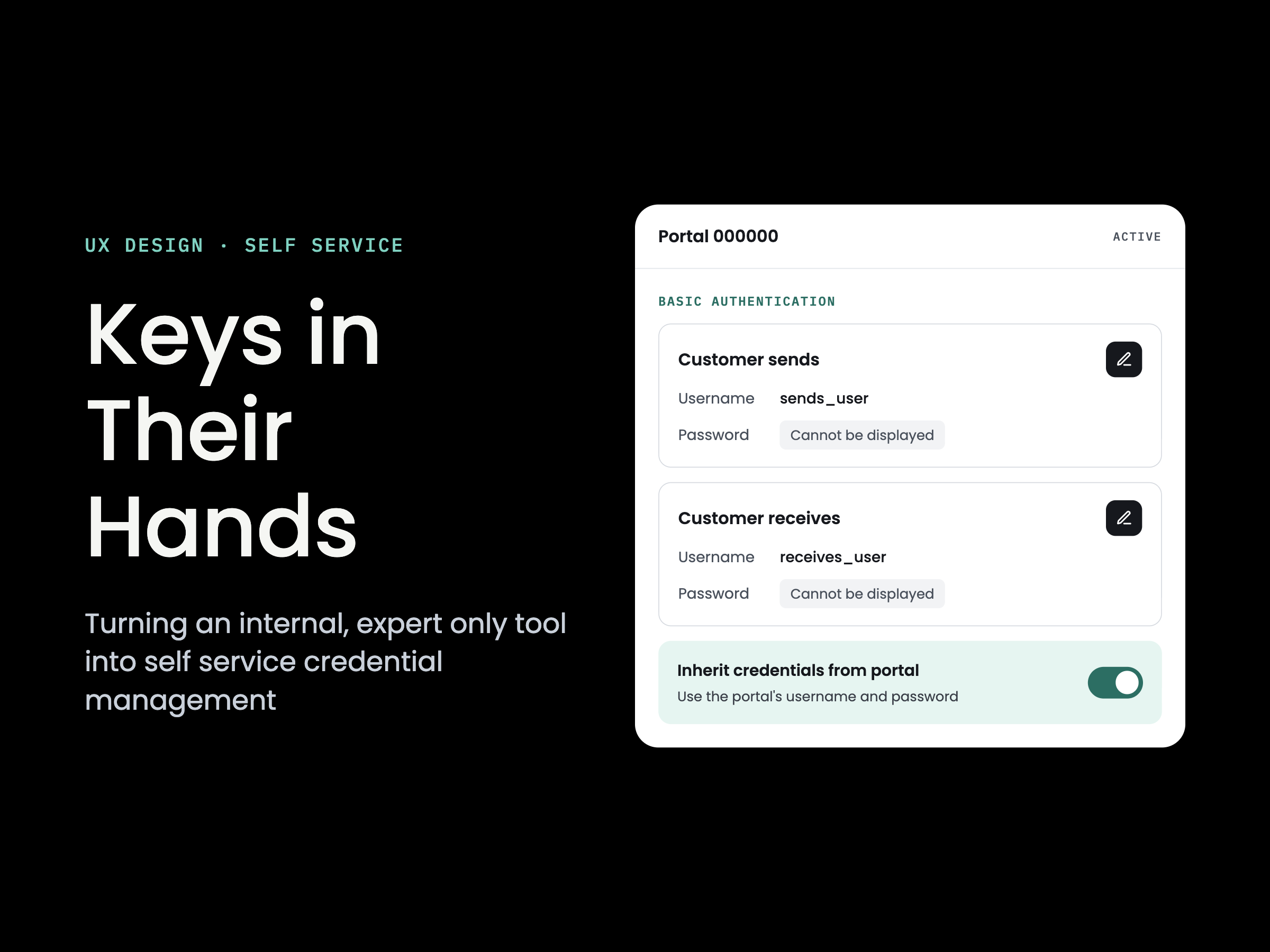
What is basic authentication?
Customers connect their software to a national health information network to send and receive transactions like e-prescriptions. Basic authentication is the username and password each side uses to prove who it is. Customers need one set of credentials for what they send and another for what they receive.
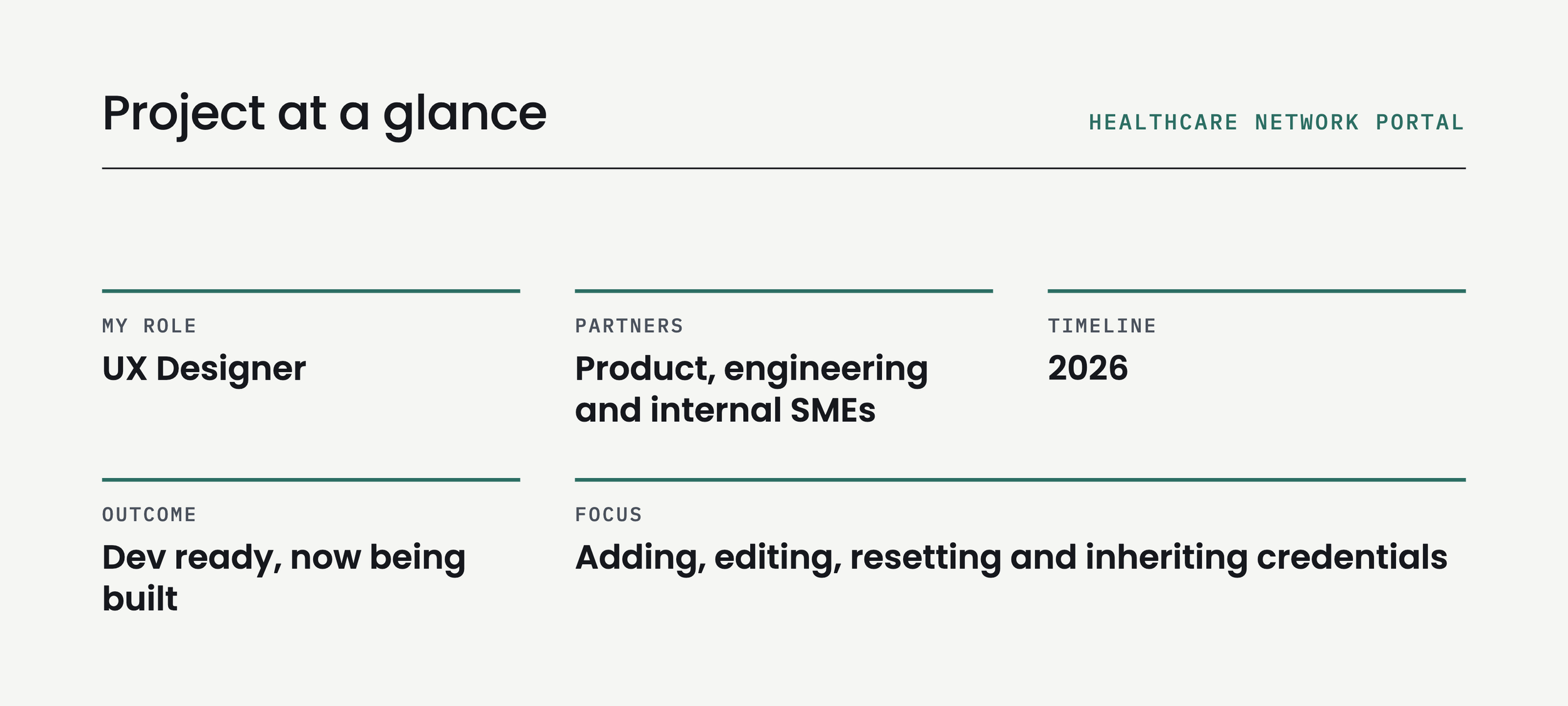
The Problem:
Managing basic authentication used to be an internal job. Only subject matter experts inside the network knew how to use the tool, and the screens were built for them: dense pages, technical labels, and fields that told customers to contact the network if they didn't know their credentials. If a customer needed to add or change credentials, they had to ask someone who knew the tool.
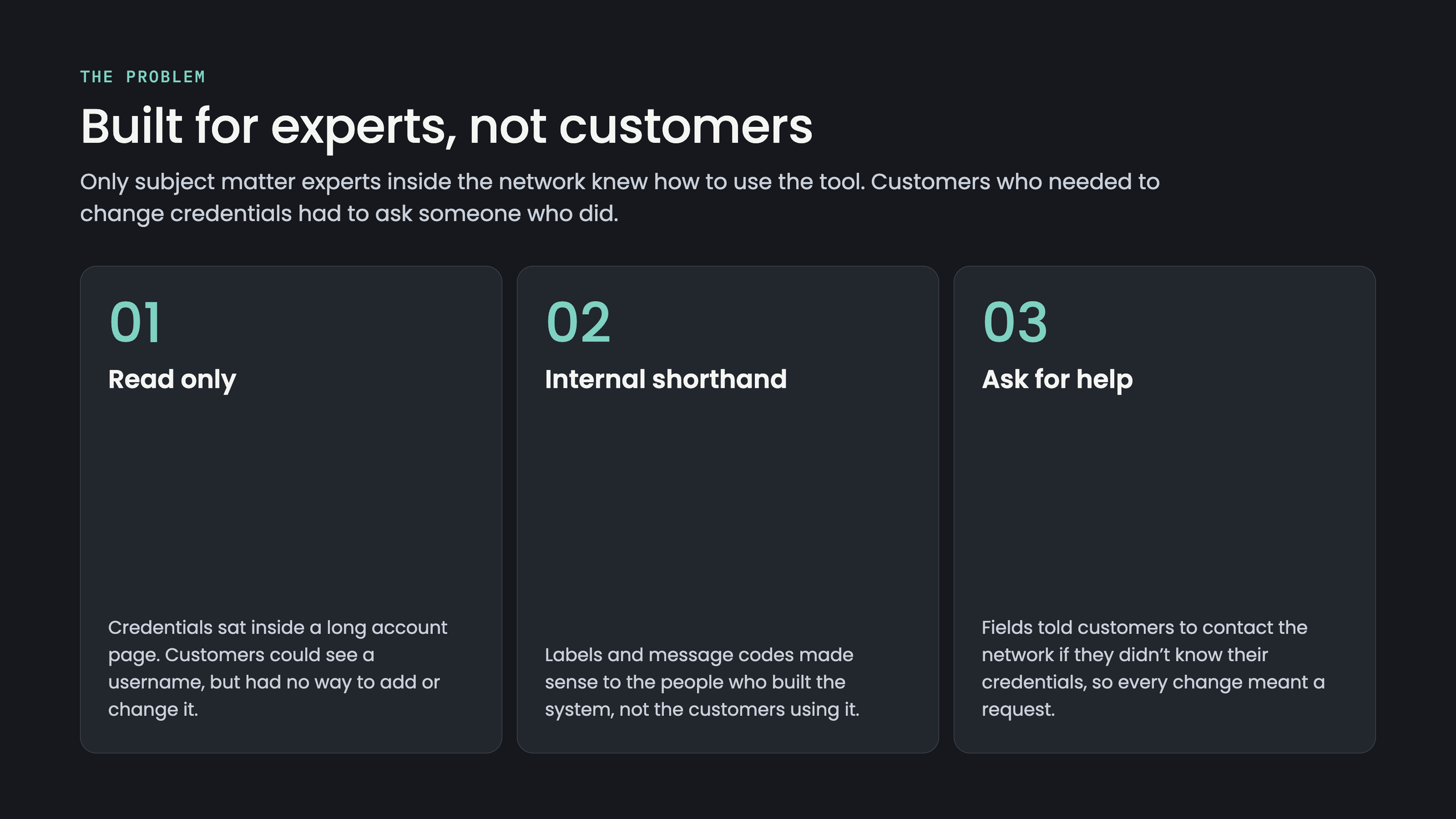
The Goal:
Turn a tool only internal experts could use into something customers could understand and use on their own, without breaking the connections their products depend on.
Mapping the logic
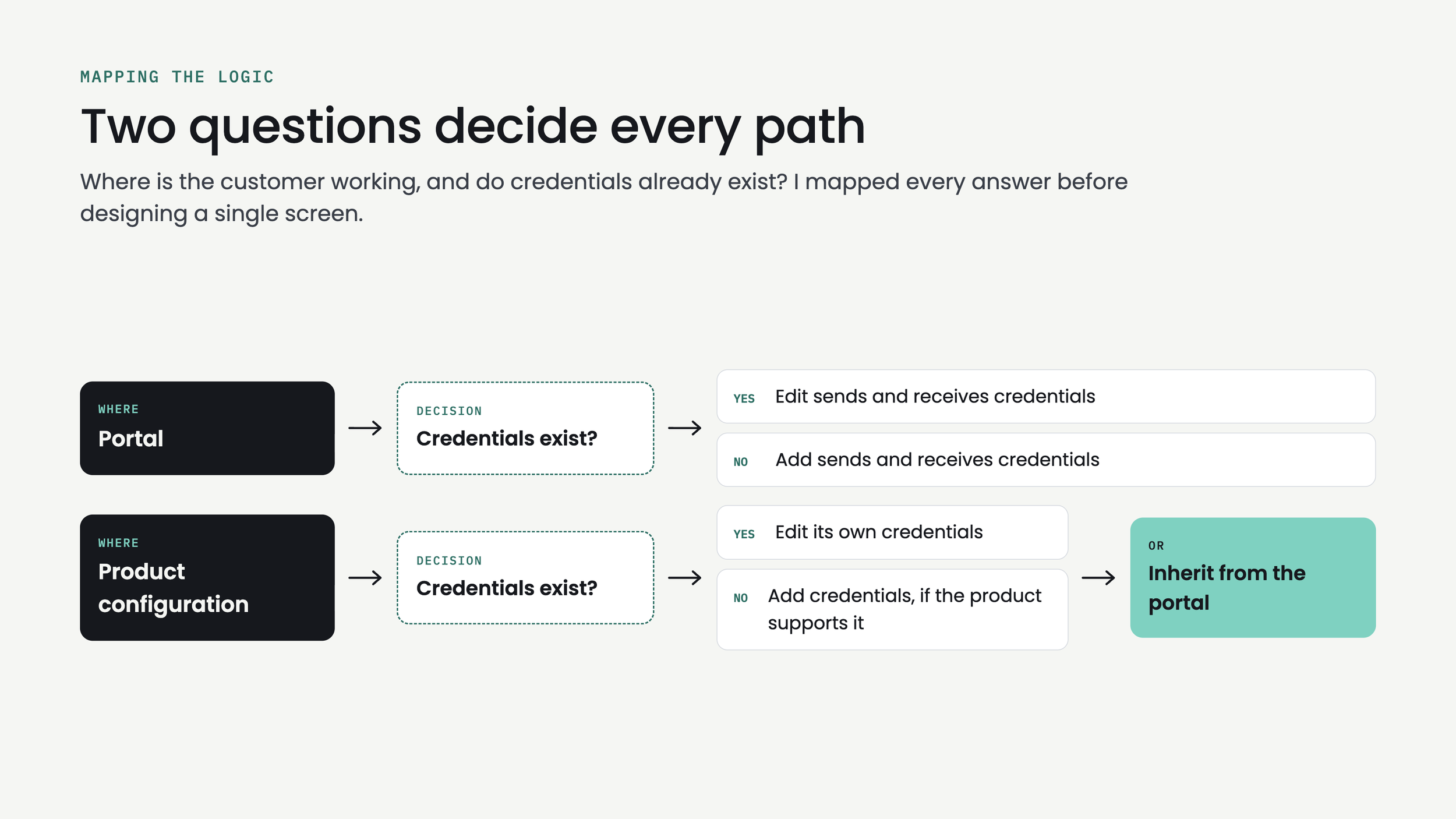
Before designing screens, I mapped every path a customer could take. What they can do depends on two questions: are they at the portal level or a specific product configuration, and do credentials already exist? If credentials exist, they can edit them. If not, they can add them. At the configuration level, they can also choose to inherit credentials from the parent portal instead of managing a separate set.
Design Decisions
The pieces are there. The path is not.
Write for people outside the building
The original screens assumed you already knew the system. Customers don't, so each step now explains itself in plain language: what the credential is, what it's used for, and that requirements vary by product. Info icons sit next to each section for anyone who needs more context.
Make credentials easy to find
I pulled credentials out of the long account page and into their own Basic Authentication area at the top of each portal. Sends and receives each got a clearly labeled card with an edit action right next to it.
Break edits into small steps
Changing credentials became a short guided flow: edit the username, edit the password, review the changes, then confirm. Each change is optional, so a customer updating only a password can skip straight past the username.
Explain the why, not just the what
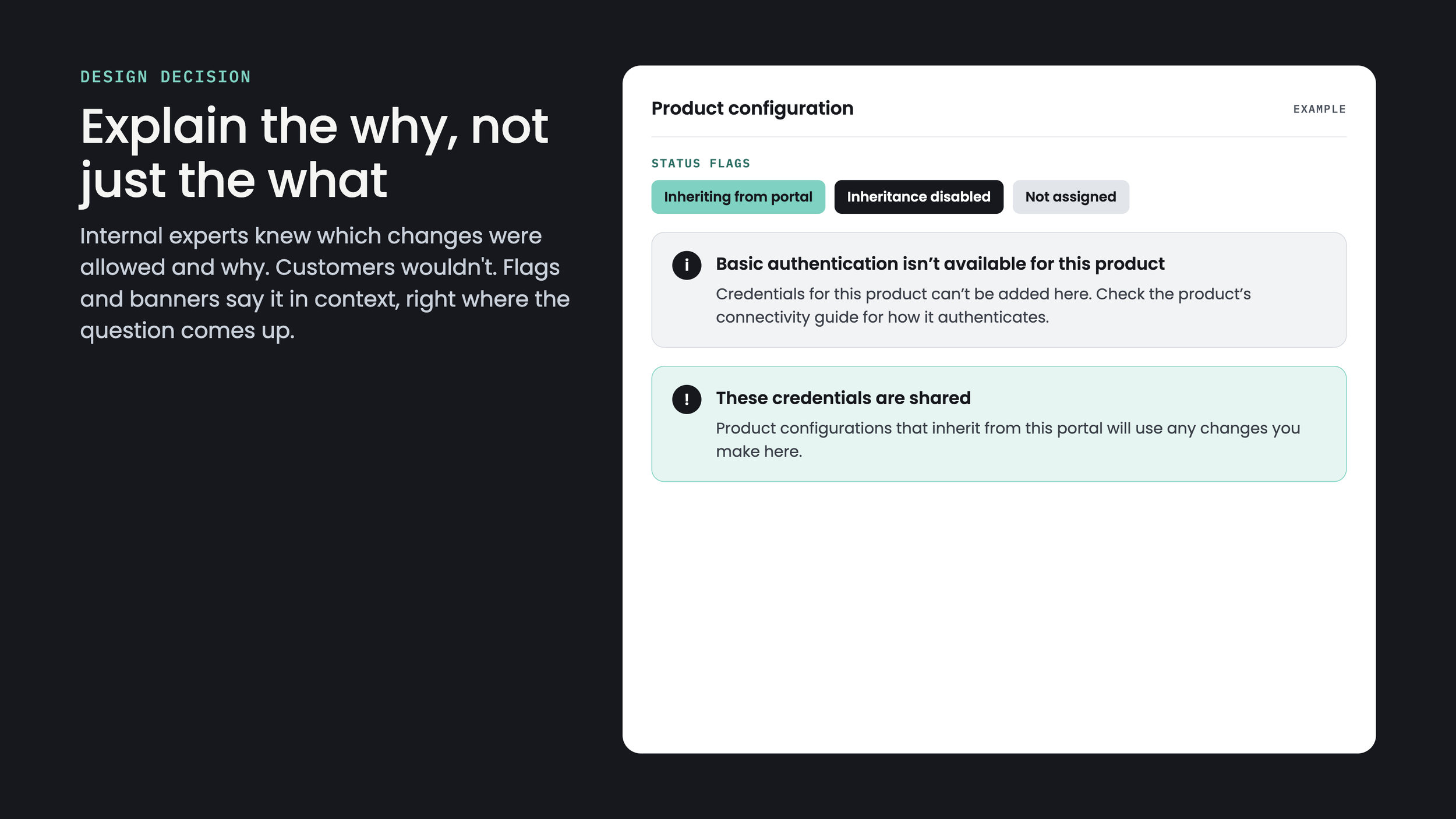
Some products don't support basic authentication at all, and some settings only work if another one is turned on. The internal team knew all of this by heart, but customers had no way of knowing. So instead of making them guess why an option was missing or grayed out, we added flags and banners right where the question would come up. A flag shows whether inheritance is on or off, and a banner explains when a change isn't available for a product and what to do instead.
Making inheritance a clear choice
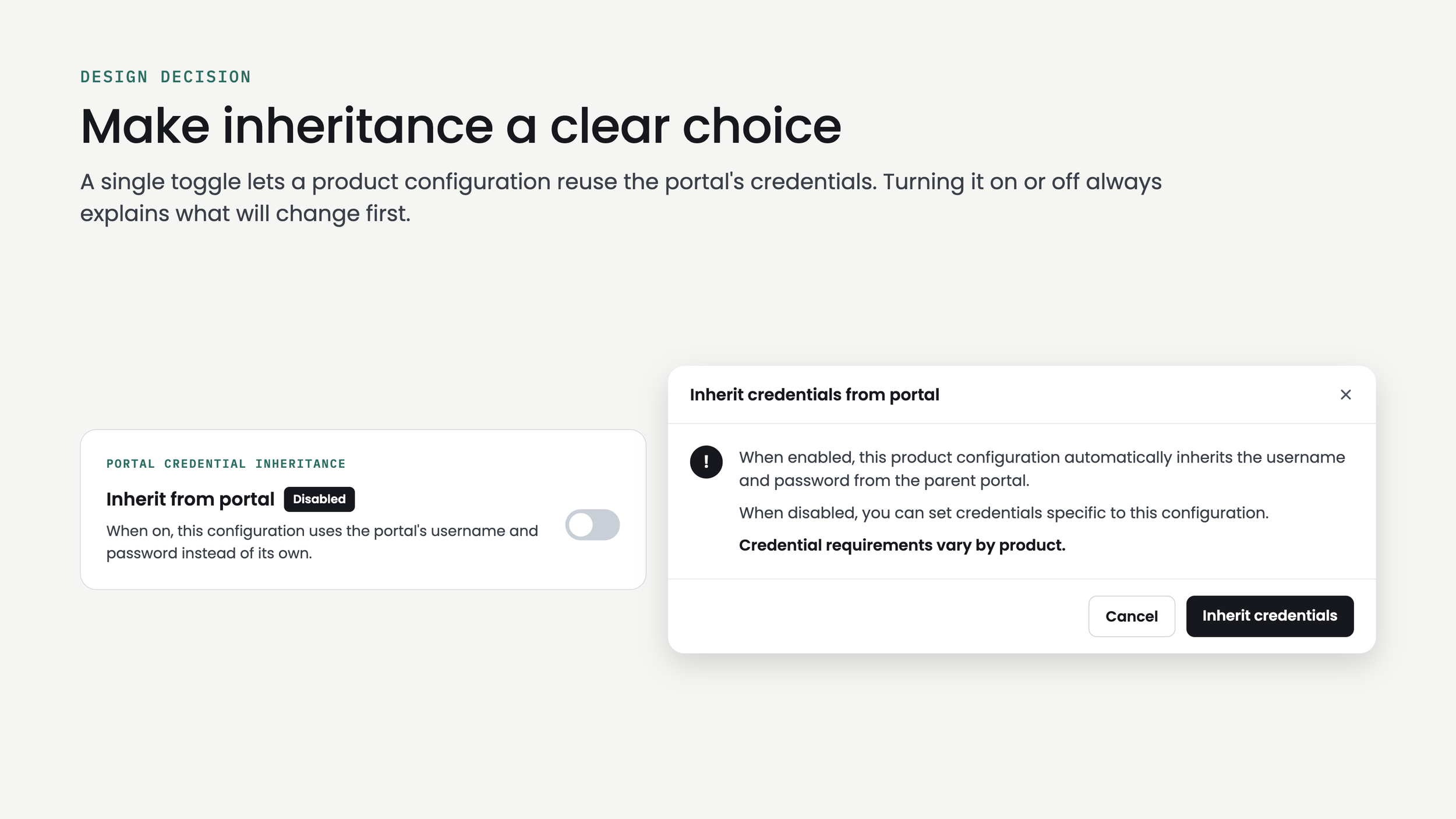
At the configuration level, a simple toggle lets customers inherit credentials from the parent portal. Turning it on or off opens a confirmation that explains exactly what will change, so nobody flips it by accident.
Iterating to dev ready
The designs went through several rounds of wireframes, and each round moved the tool further toward self service. Early versions kept much of the internal layout and terminology. Working with product and the subject matter experts who knew the tool best, we pulled credentials into their own section, replaced internal shorthand with plain language, broke long edits into guided steps, and added flags and banners so customers would understand why a change could or couldn't happen.
Outcome
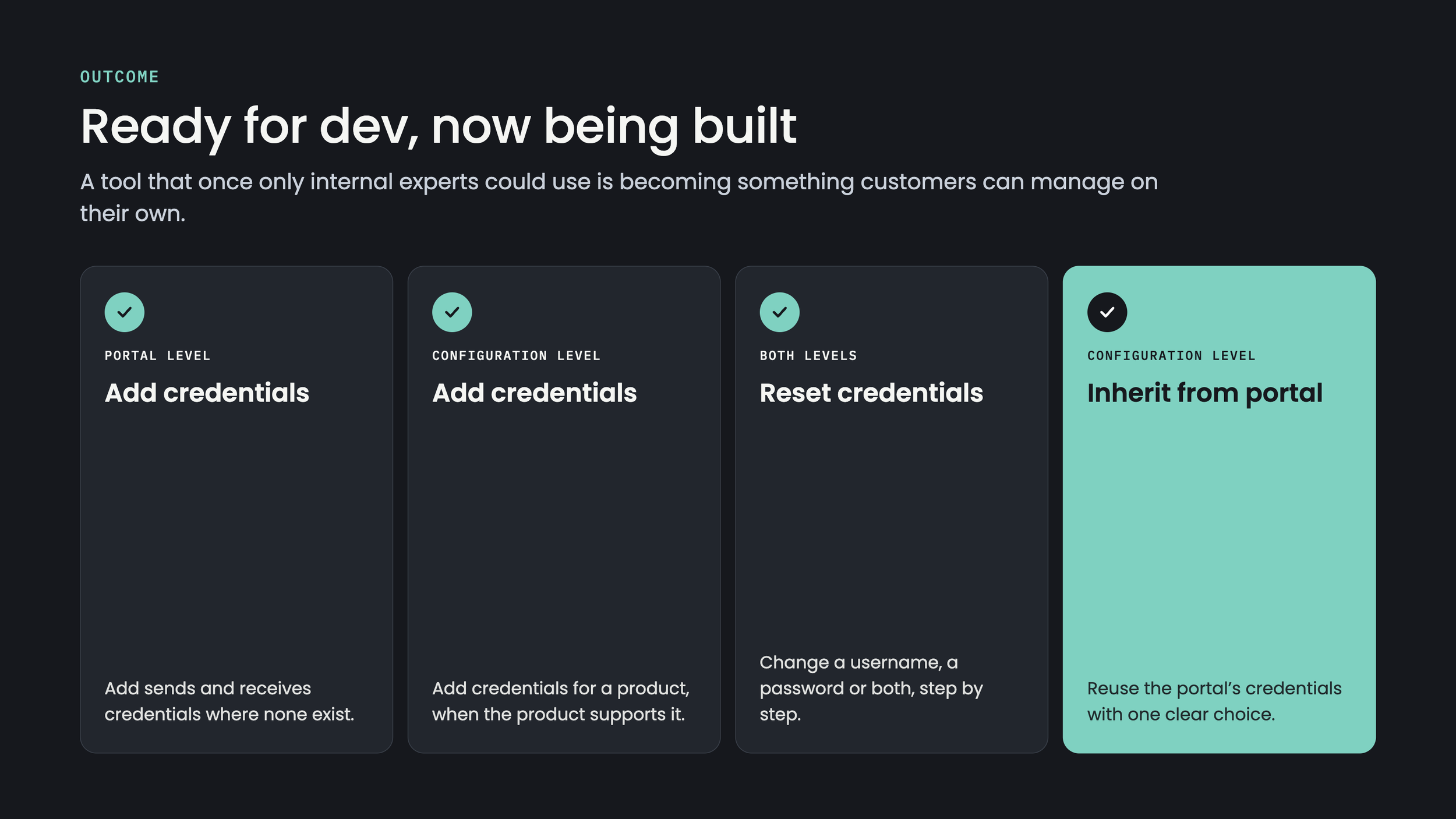
The final designs were handed off to development and are being built now. They cover adding new credentials at the portal and configuration levels, resetting existing credentials, and inheriting credentials from the portal. A tool that only internal experts knew how to use is becoming something customers can manage on their own.
Reflection
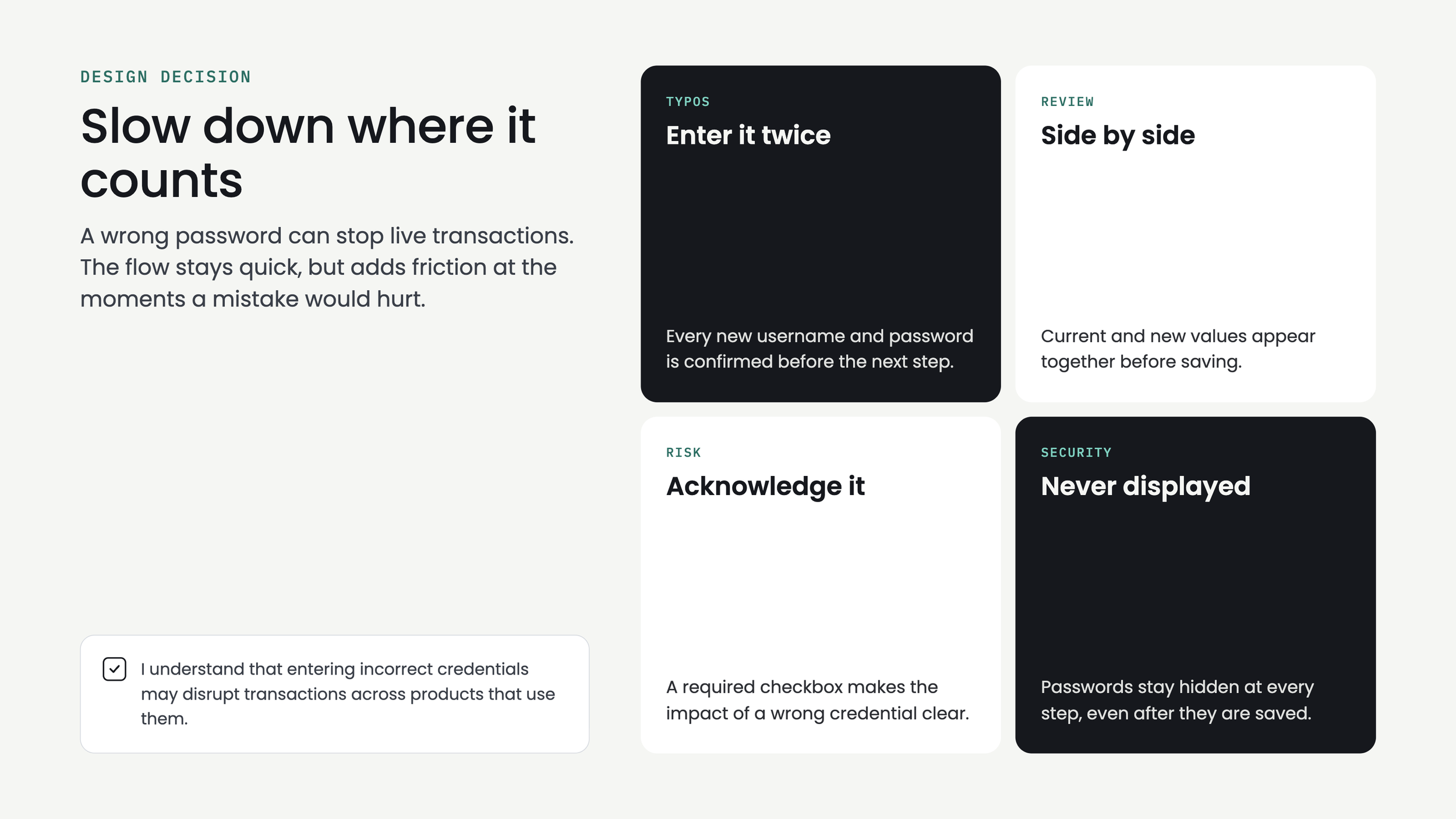
The biggest challenge wasn't the screens, it was translation. Much of what made the tool work lived in the subject matter experts' heads, and my job was to turn that knowledge into clear guidance on the screen, right where customers would need it. Because a mistake could disrupt live transactions, every simplification also had to be weighed against the risk of making errors easier.
Outstanding questions
How many credential related support requests go away once customers can manage this on their own?
Do customers prefer inheriting credentials from the portal, or managing them separately?
Where do customers still get stuck, and which explanations or banners do they skip past?

GCI- Yukon TV

BootUp

Code Championship