

SpotFeed
What is SpotFeed?
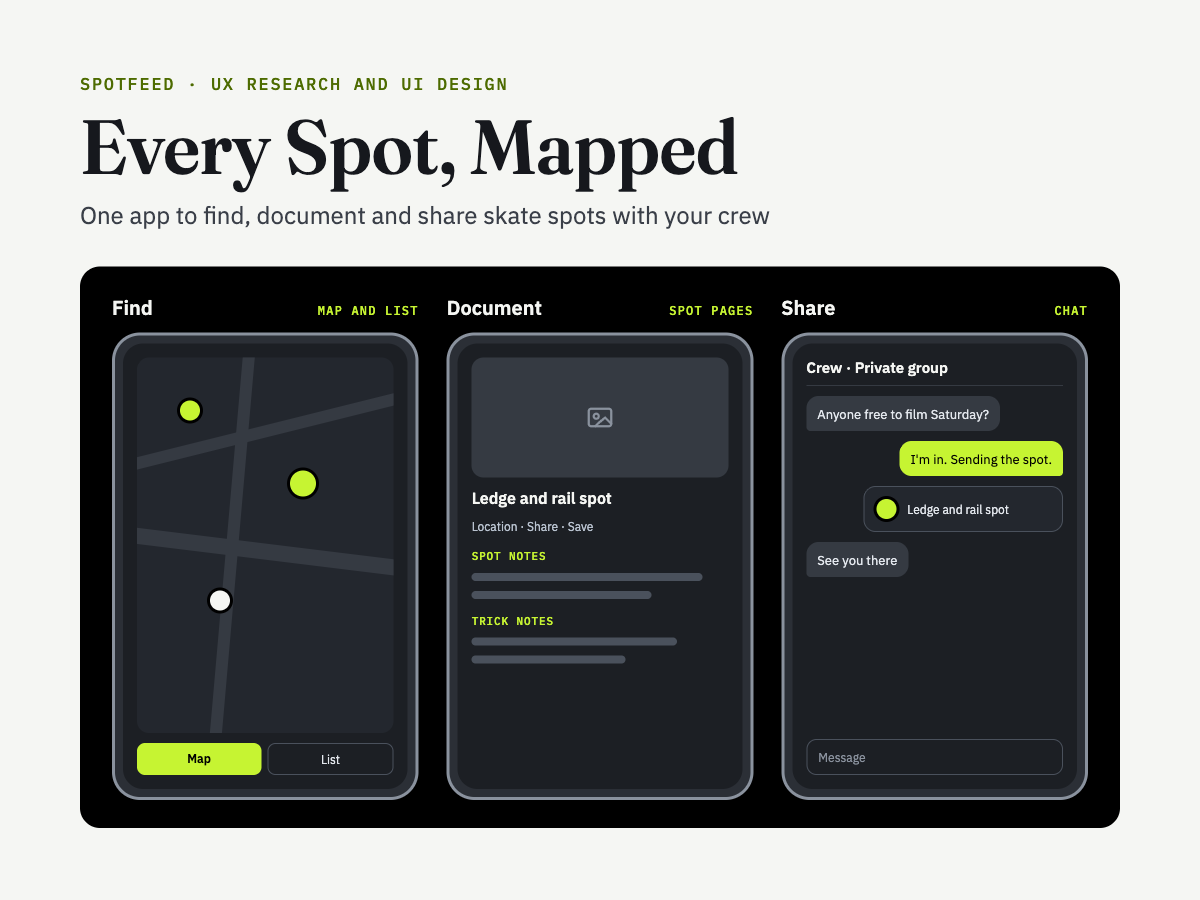
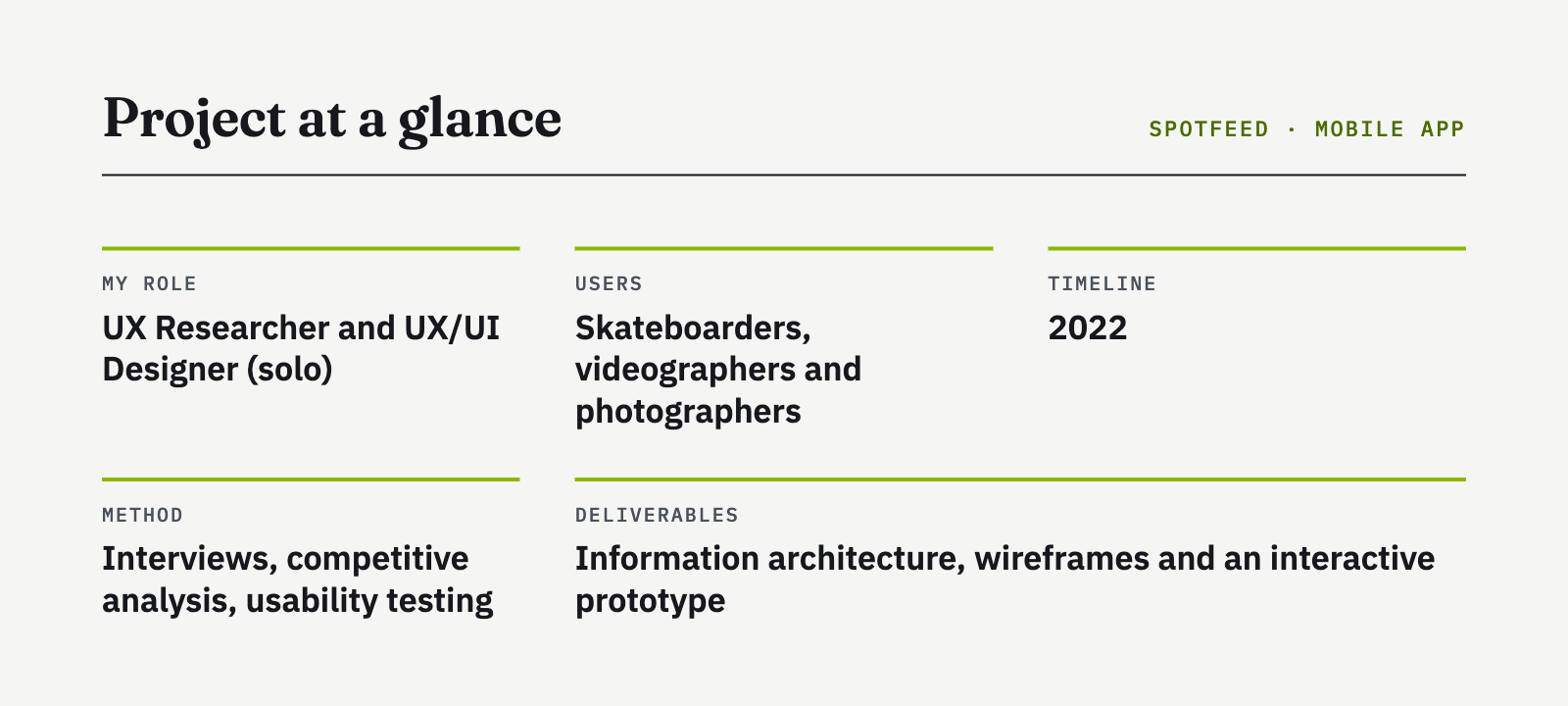
Skaters, filmers and photographers track spots in screenshots, notes apps and group texts. The apps built for this are simple, but they’re missing key spot details, modern messaging and a reliable map. As the only researcher and designer, I set out to build one app that covers the whole job: finding a spot, documenting it and sharing it with your crew.
The Problem?
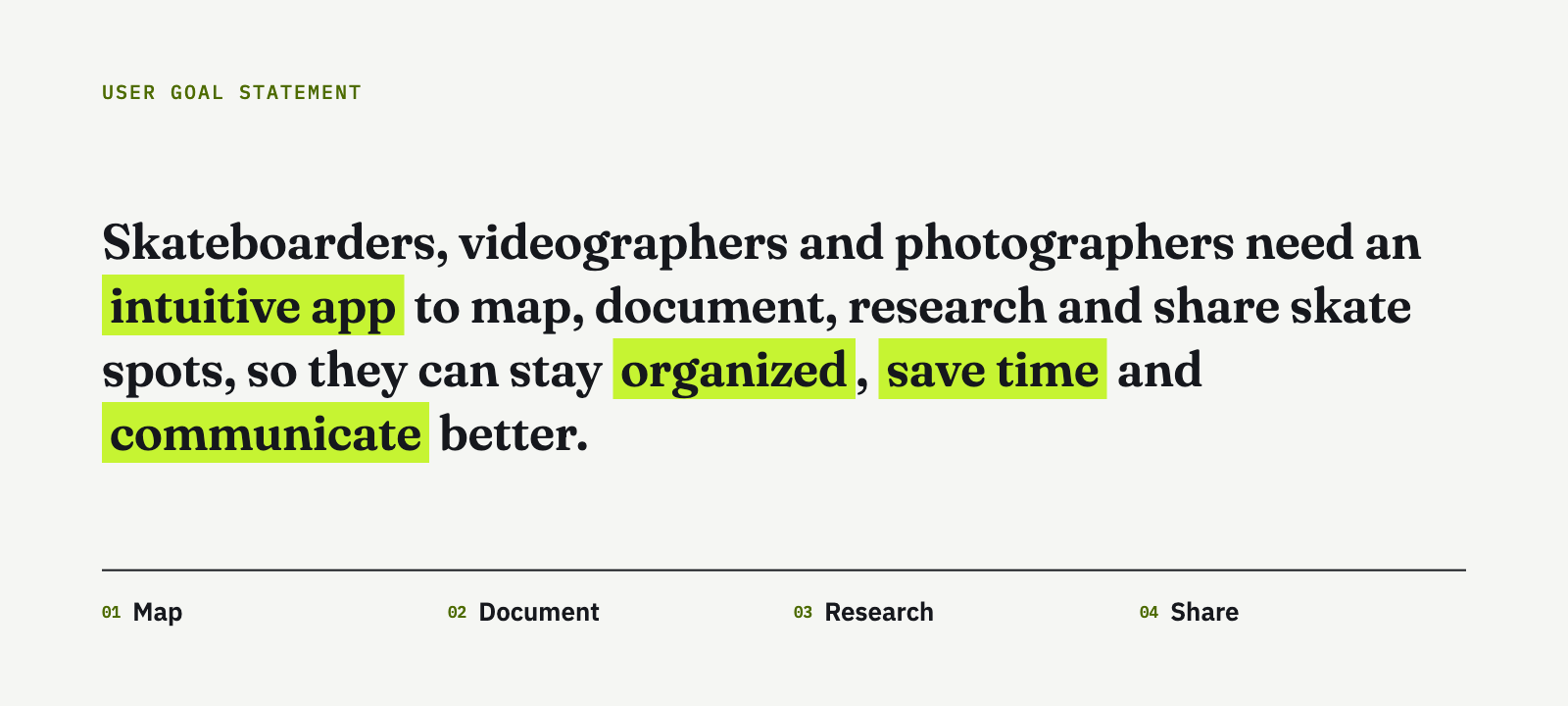
There is no fully functional app that is directly dedicated to skateboarders and filmers/photographers to help them to map, find, document, and research skateboard spots.
The Question:
How can I create an app that is functional and easy to use for skateboarders, videographers, and photographers while still aligning with their needs and goals?
Research
Research Objectives
Understand how skaters, filmers and photographers find, track and share spots today.
Identify the pain points in their current tools and workflow.
Learn what they value most when planning a session.
See where existing spot apps succeed and where they fall short.
Directed Storytelling Interviews
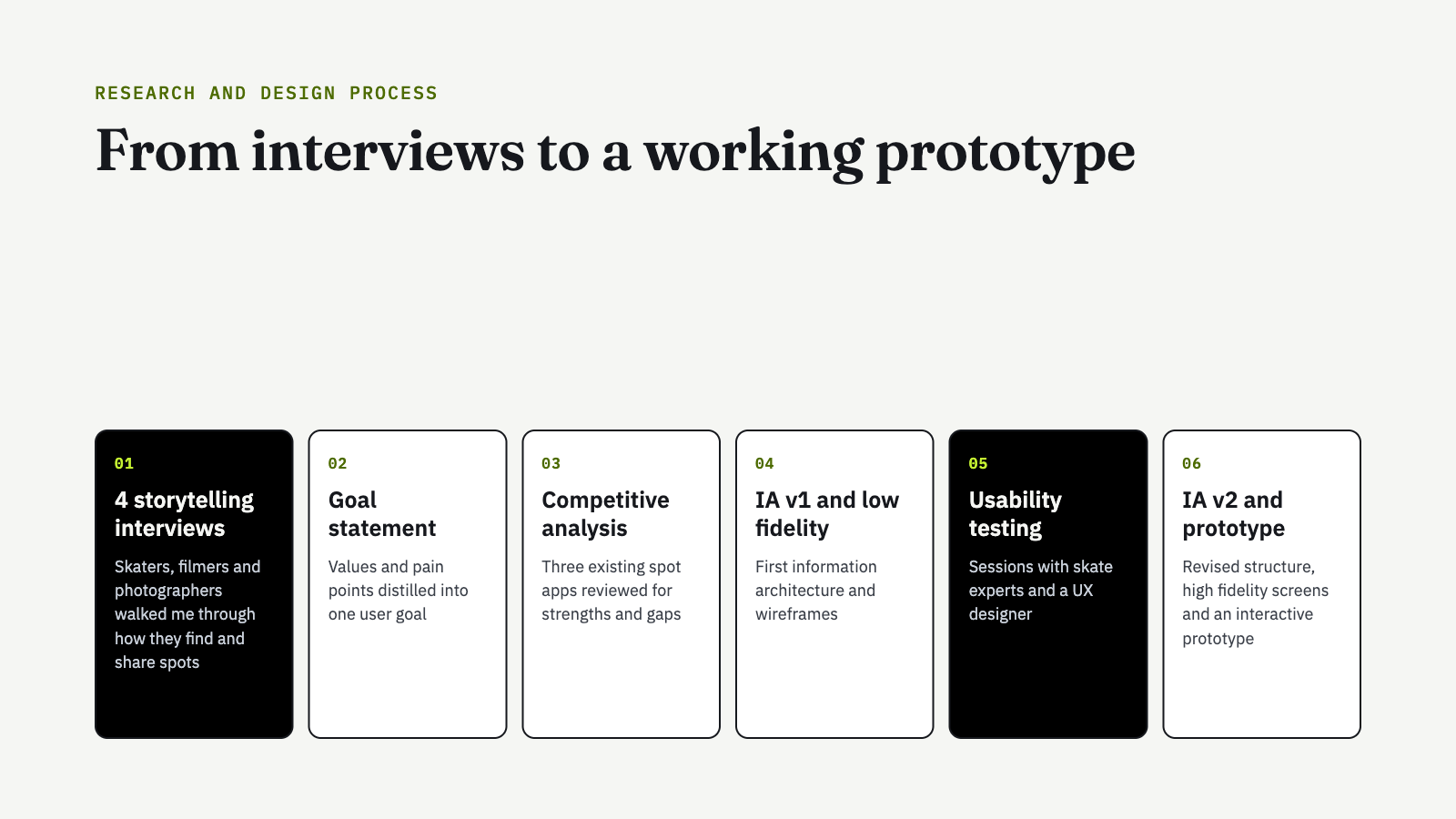
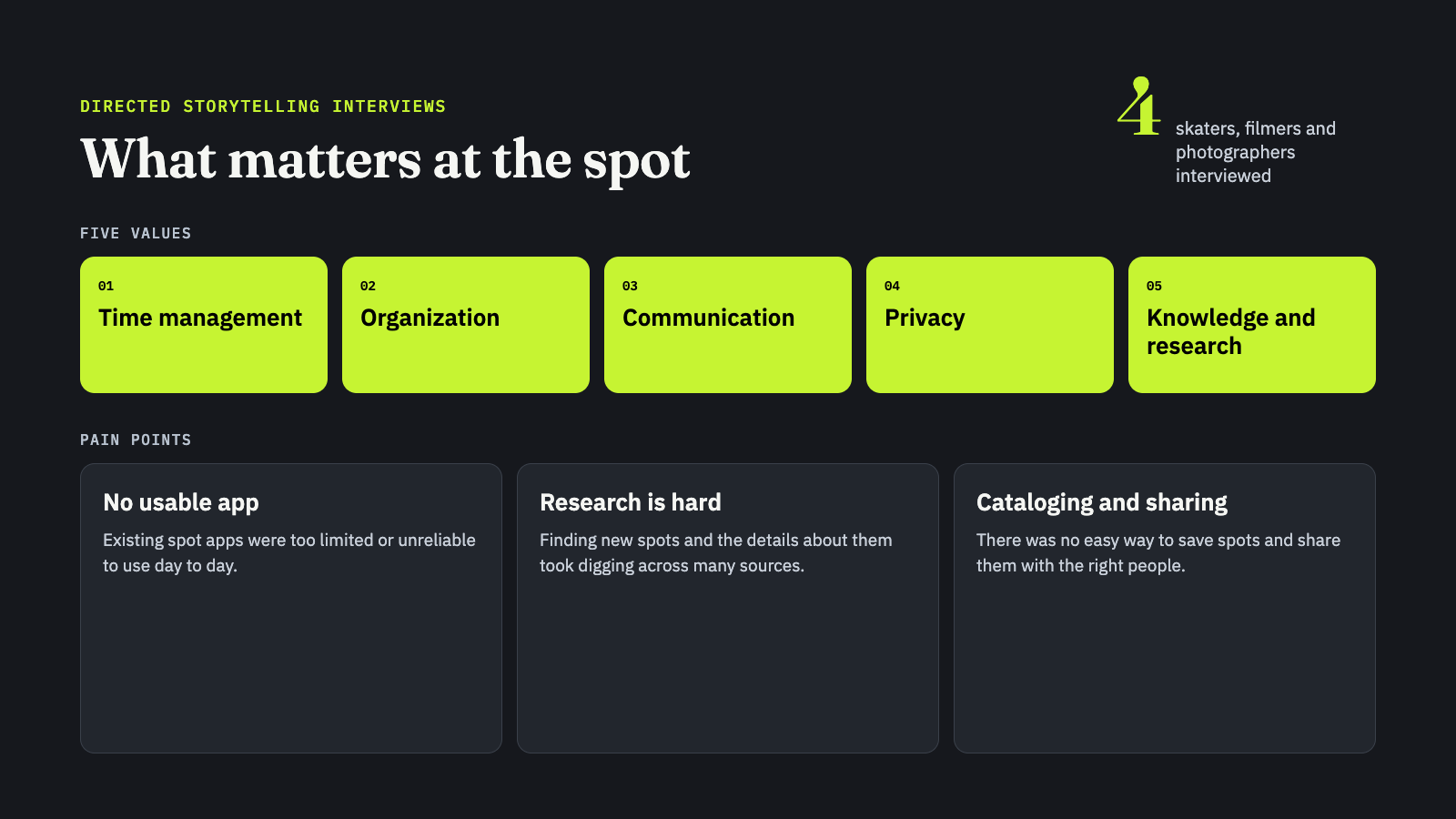
I interviewed four skaters, filmers and photographers. Each one walked me through how they find new spots, keep track of them and plan sessions with friends. Five values came up again and again: time management, organization, communication, privacy, and knowledge and research. The biggest pain points were the lack of a usable app, how hard it is to research spots, and how hard it is to catalog and share them.

User Goal Statement
Competitive Analysis
I reviewed QuarterSnacks Spots, Snarly and SkateSpots. All three are simple to use, which was worth keeping. None of them offers rich spot information, modern messaging or a map users could trust. Those three gaps became SpotFeed’s core features.In general, the existing sites were easy to use and had a simple design, but lacked relevant spot information, modern messaging features, and a reliable map.
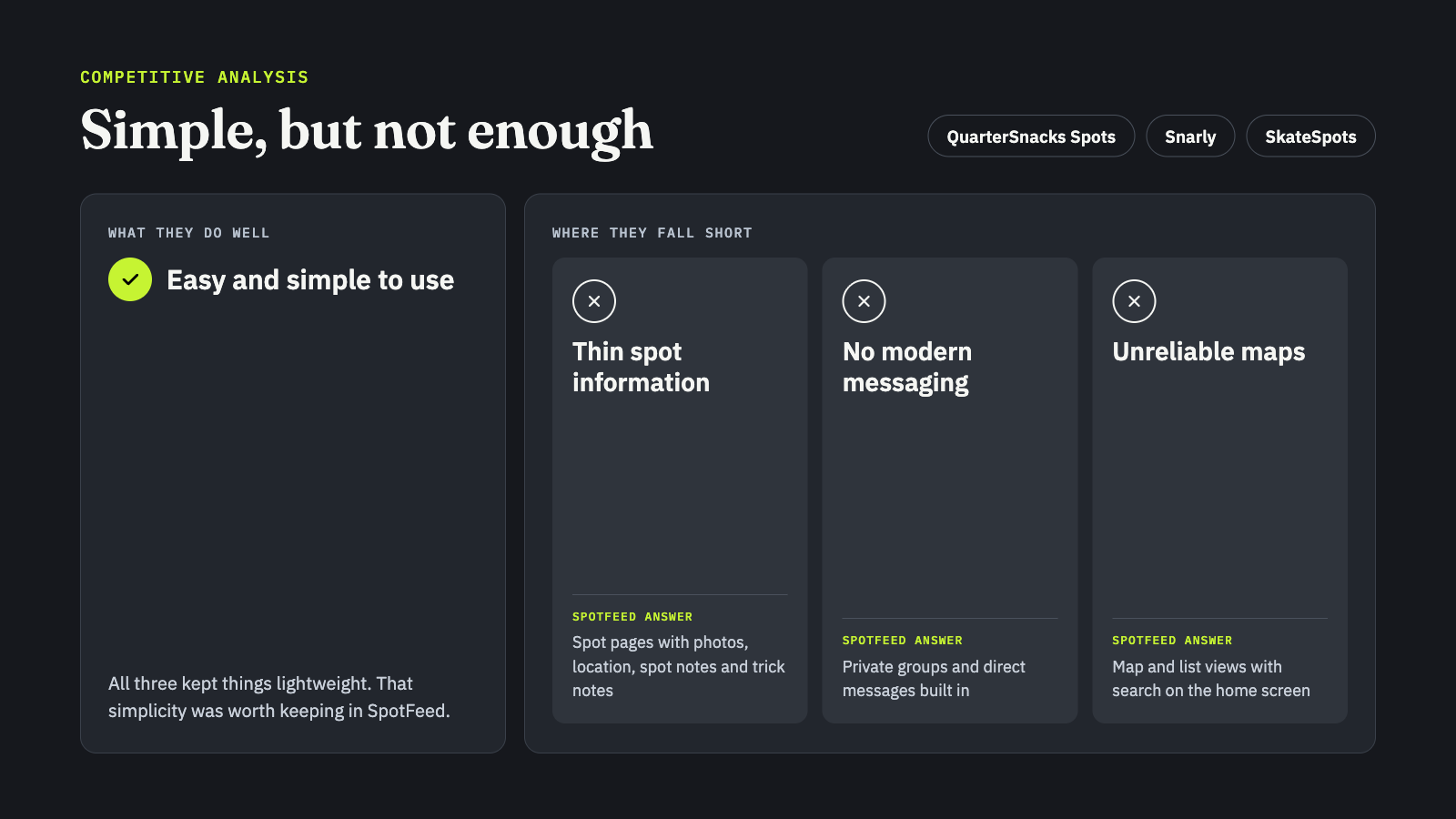
QuarterSnacks Spots, Snarly App and SkateSpots were mentioned as current competitor apps in the directed storytelling interview and were analyzed.
Testing
Information Architecture and Usability Testing
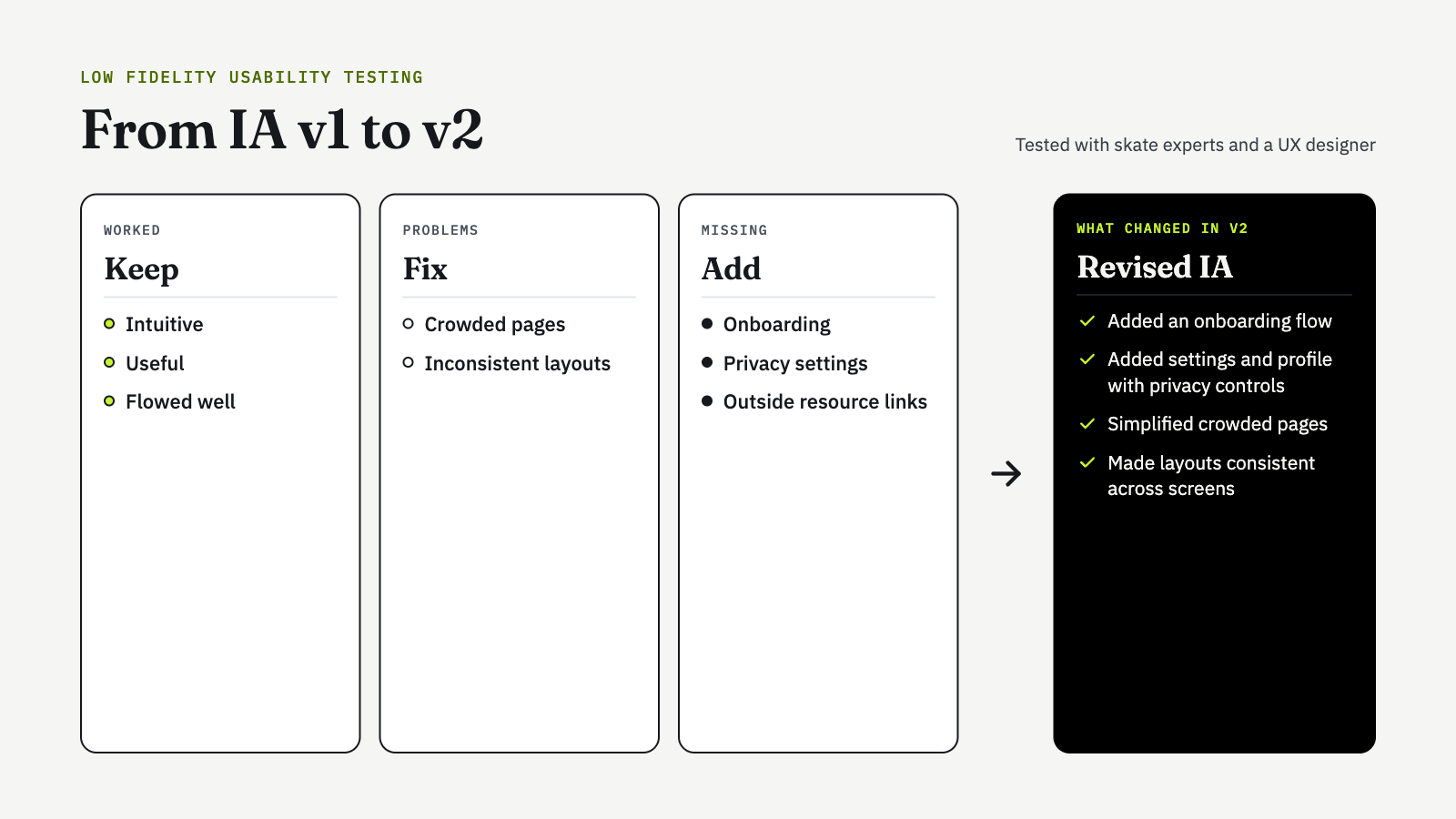
I mapped a first version of the information architecture and built low-fidelity wireframes. Then I tested them with skate experts and a UX designer. Testers found the app intuitive, useful and easy to move through. Some pages felt crowded and layouts were inconsistent. Testers also asked for onboarding, privacy settings and links to outside resources.
Findings and Iteration
I revised the information architecture to add onboarding and a settings and profile area with privacy controls. I also simplified the crowded pages and made layouts consistent from screen to screen.

Architectural Information Diagram Version 1
Design
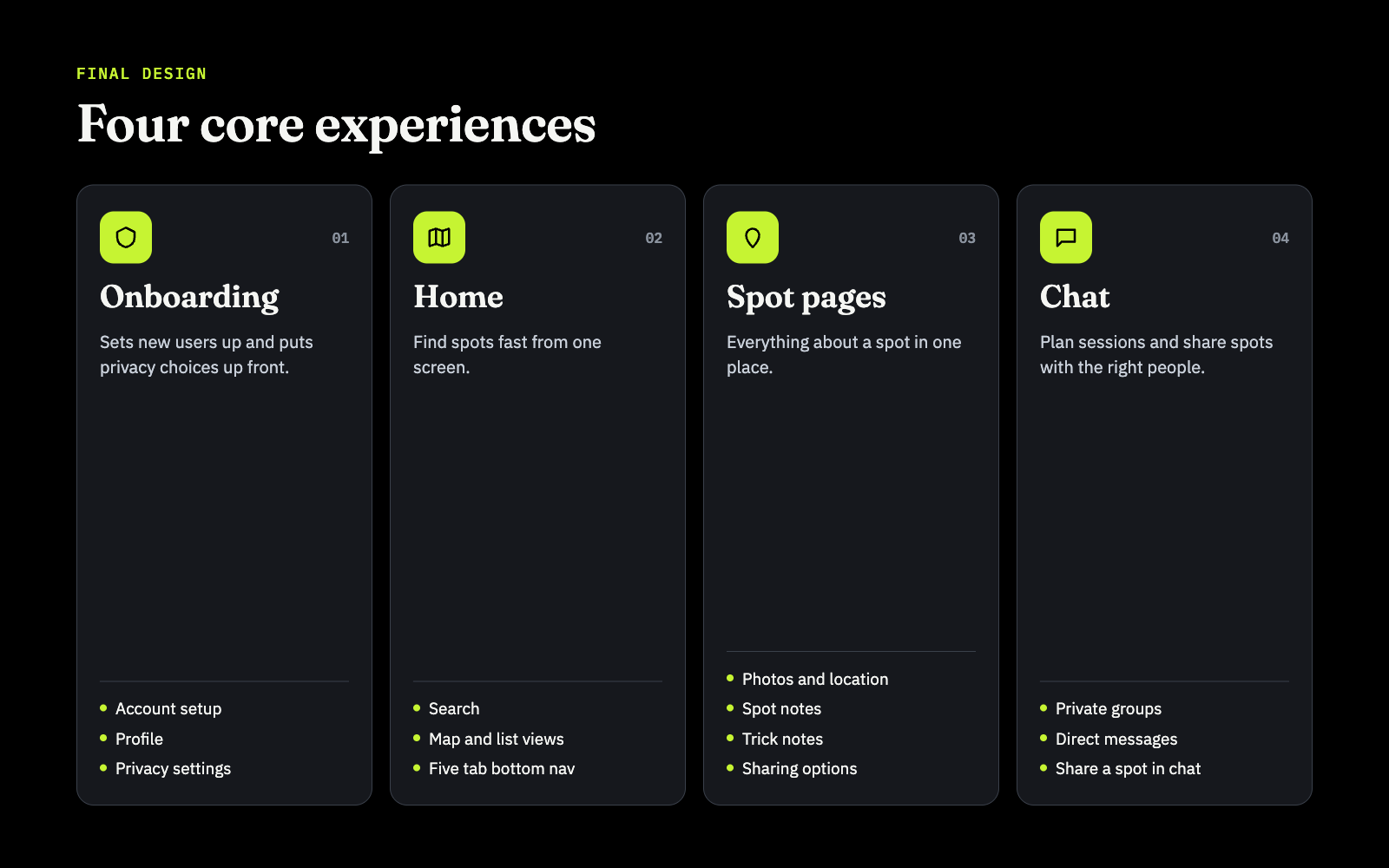
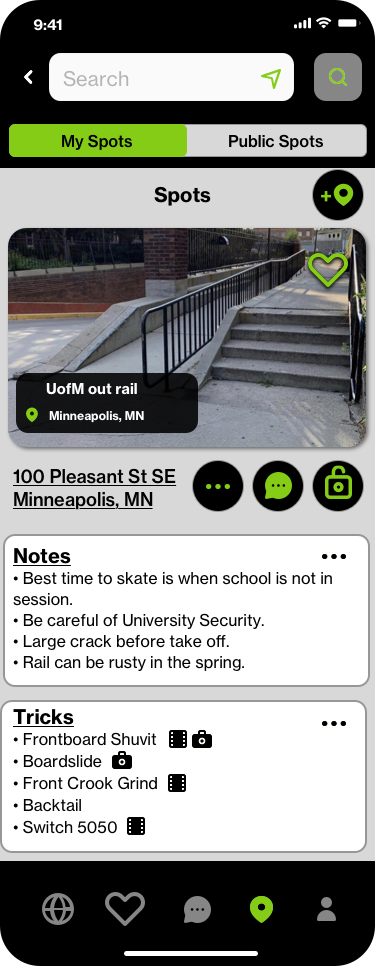
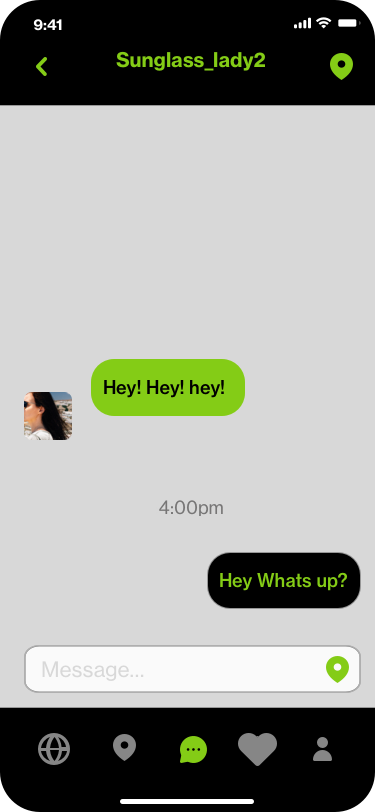
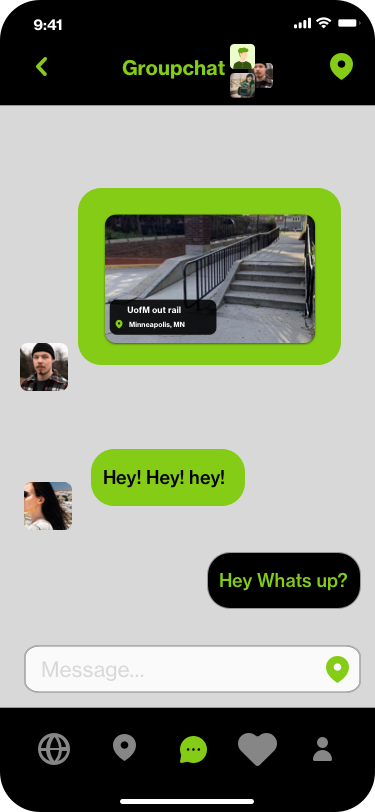
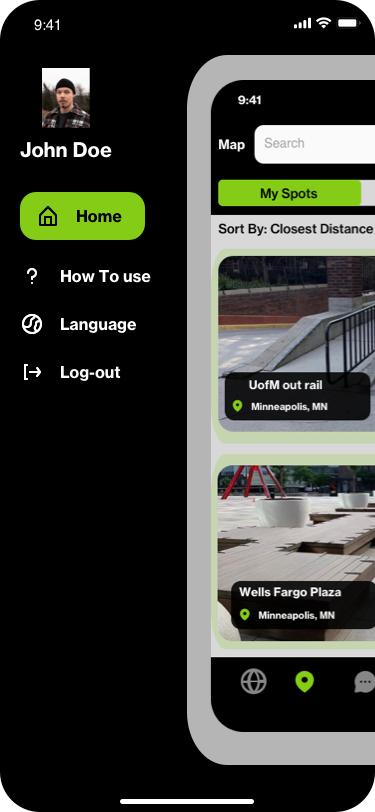
The final design is built around four core experiences. Onboarding sets new users up and puts privacy choices up front. The home screen combines search with map and list views. Spot pages hold photos, location, spot notes, trick notes and sharing options. Chat supports private groups and direct messages, so crews can plan sessions and send spots to each other.
Prototyping and Usability Testing
With our AI Diagram as our map, a series of low fidelity prototypes were created and a usability test was conducted with skate experts and another UX designer to better understand what was and was not working.
Key findings from testing included that users found the app was intuitive, useful, and flowed well, but that the pages were crowded, lacked consistency and that the layout was conducive to current IOS trends. Missing features included an onboarding page, privacy settings, and links to outside resources.

AI Diagram Version 2.0
Based on the research, the AI diagram was revised and a second version was created to fill in the missing gaps.

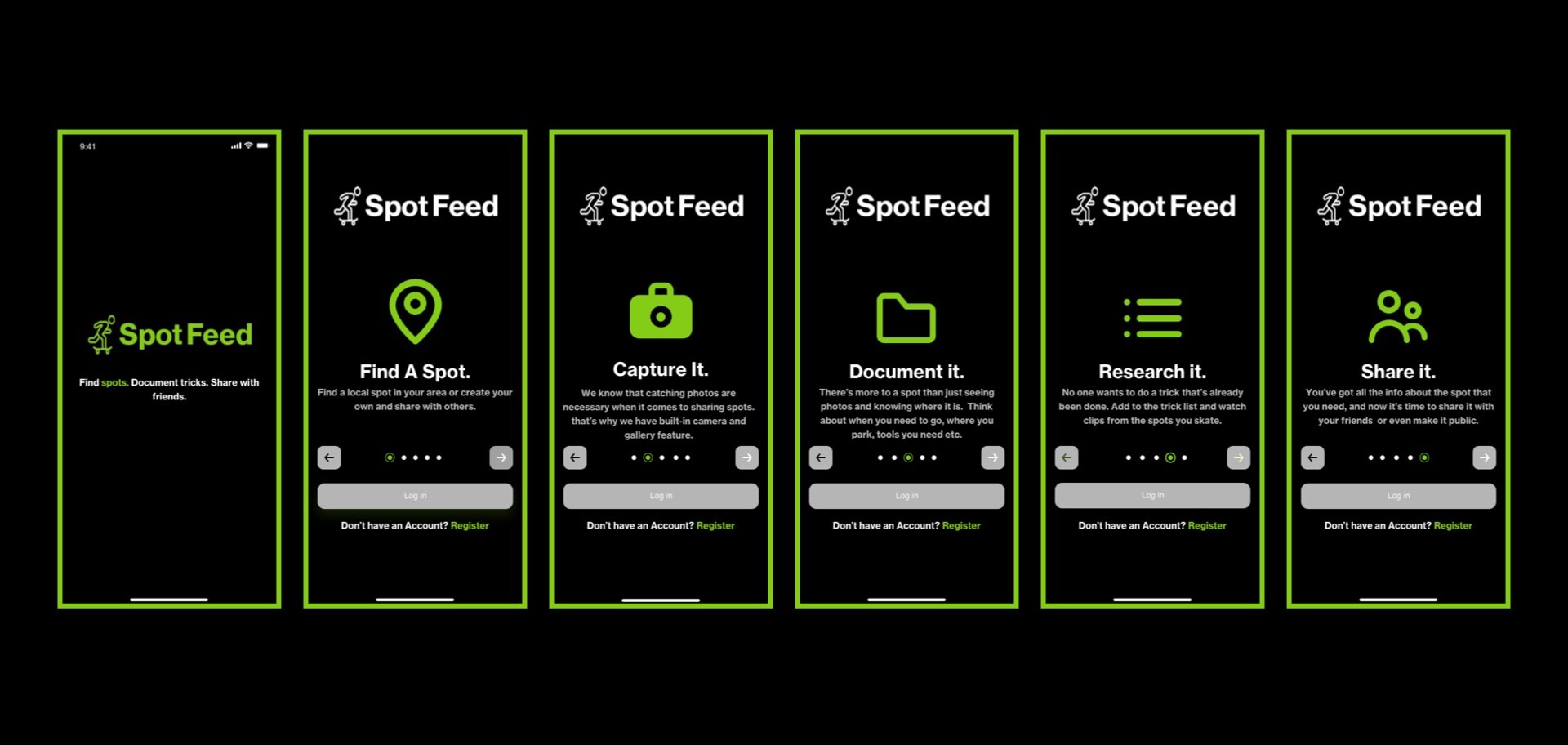
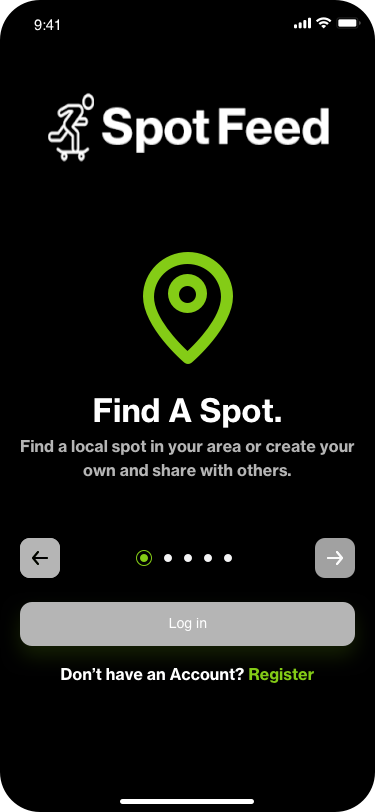
Onboarding Pages
To begin, onboarding feature pages were added to introduce the app and how it works for new users and set expectations, this concept came directly from the feedback provided in the usability testing.
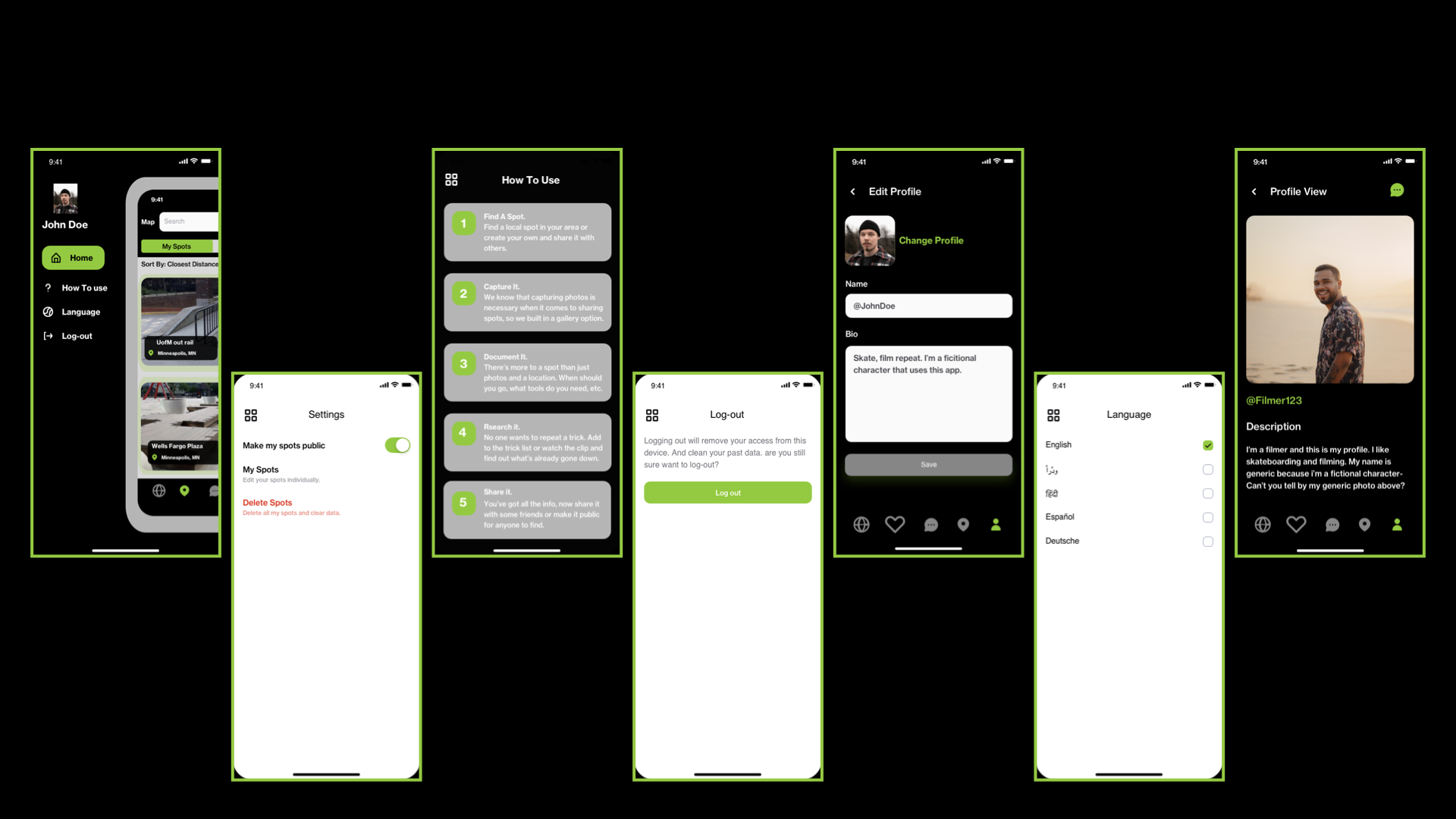
Settings and Profile Pages
Settings and profile pages were created to add customizable features, privacy settings and reinforce the instructions.
Homepage
The homepage is very intuitive, it is easy to maneuver through the app and choose how to view spots in your area. It incorporates searches, lists, and map views with an option to easily communicate and share spots with other users. The navigation bar at the bottom features easy-to-understand icons like the map view, favorite spots, messages, spots page, and account information.

Spot Pages
Spot pages are an essential feature of the app. Users are able to add spots with photos, location services, customizable sharing options, general spot notes, and trick notes.

Chat Feature
An easy-to-use and navigate communication platform was created to promote better communication and time management with videographers, photographers, and skateboarders. Users are able to share spots in private groups or individual messages.









BootUp

Gillette Children's Hospital- Usability Review

Code Championship